🐋Docker Commands
In this article, you will see some commands I explored while learning the Docker.
- docker --version - Displays the installed docker version.

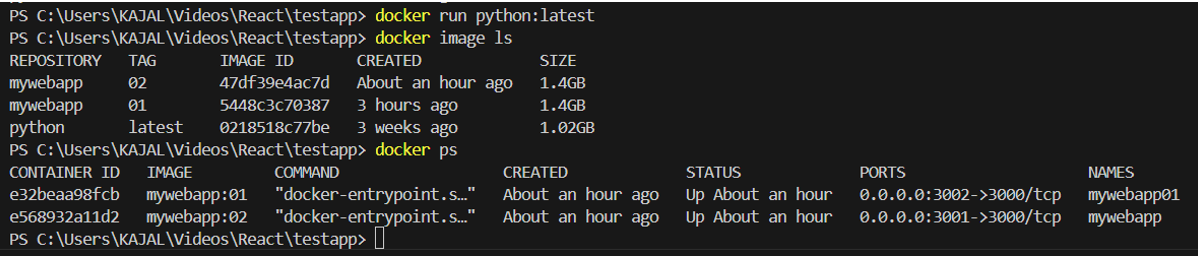
- docker image ls - lists all the docker images that you have created on your local machine.
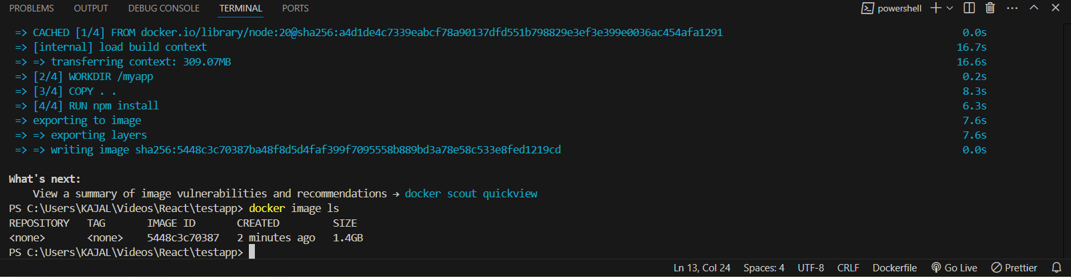
- docker ps - list the running containers

- docker ps -a - The command ps -a lists every Docker container on your system, including those that are stopped and those that are running.

- docker run <image_id> - A container from a specified Docker image can be created and started using the docker run <image_id> command.
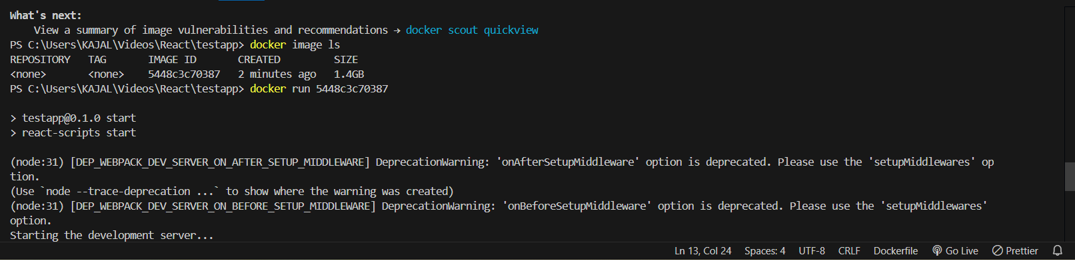
- docker run -d -p 3000:3000 <image_id> - By doing this, a container from the image with ID 2b6e66a71566, would be launched in the background and its port 3000 would be reachable via the host's port 3000.
-d: Run the container in detached mode (in the background).
-p <host_port>:<container_port>: Map a port from the host to the container (e.g., -p 8080:80).

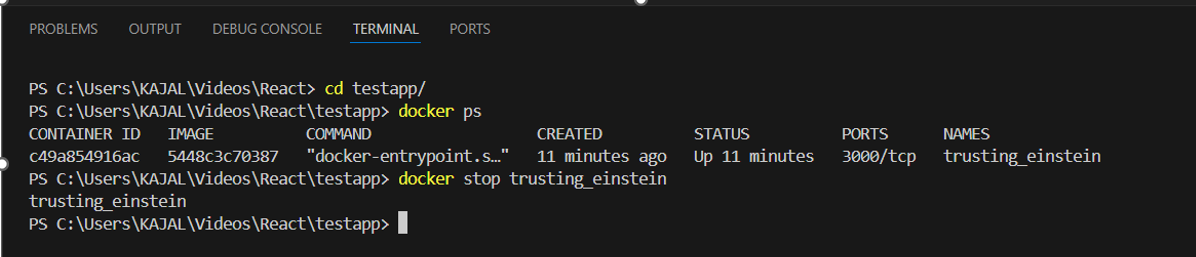
- docker stop <container_name_or_id> - command is used to gracefully stop a running Docker container. You can refer to the container by its name or its container ID.
docker rm <container_name_or_id> - command is used to remove a stopped Docker container. You can specify the container by its name or container ID.

docker build -t mywebapp:01 . - This command builds a Docker image from a Dockerfile.
This command will:
Search for a
Dockerfilein the current directory.Build the image according to the instructions in the Dockerfile.
-t-Tag the resulting imagemywebappwith the version01.. : The period at the end of the command specifies that the Dockerfile is in the current directory. If your Dockerfile is in another directory, you would specify the path instead of the period.

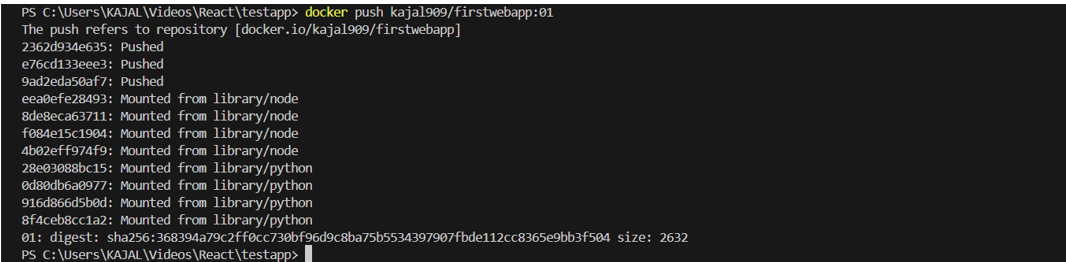
docker push<repository:tag> - Pushes a Docker image to a Docker registry (e.g., Docker Hub).
docker run python:latest -This command is used to create and start a container from the official Python image with the
latesttag. Which usually means the most recent stable version of Python.